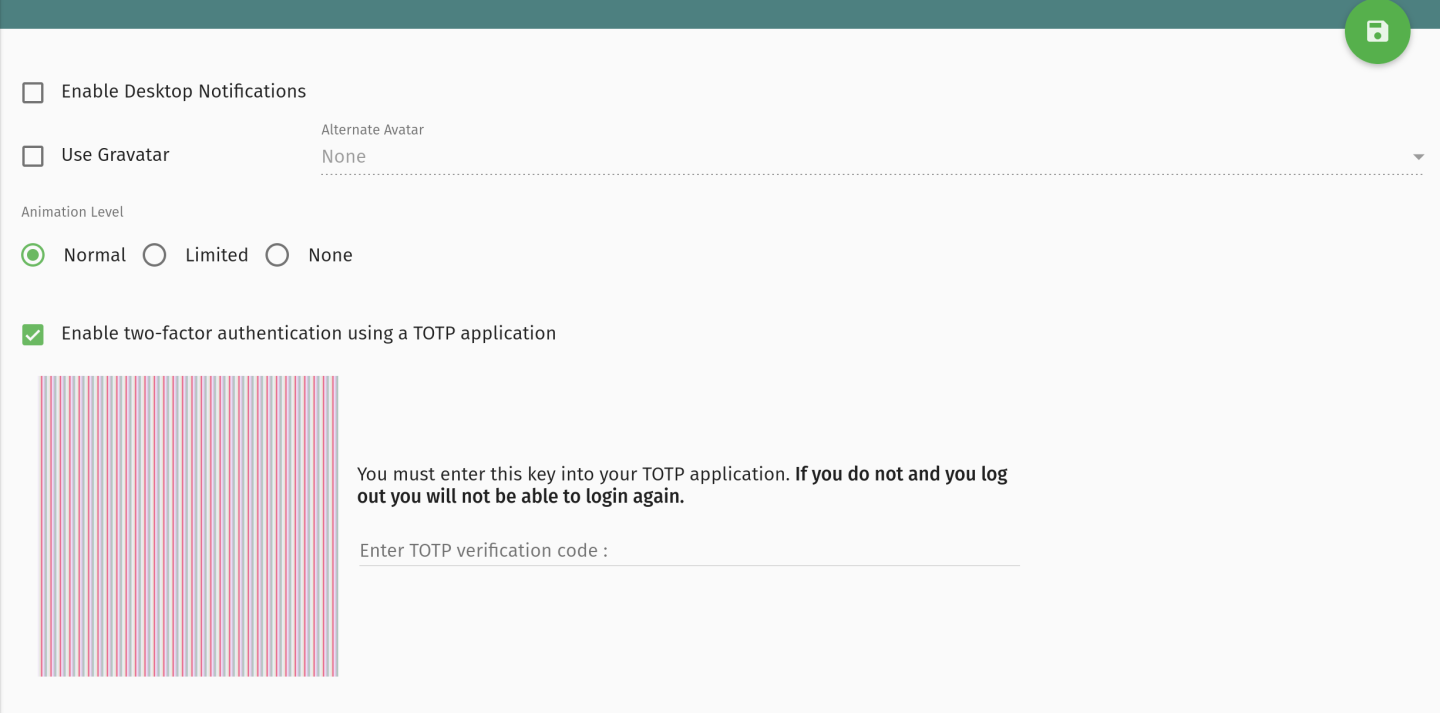
Since updating to 2026-01, I am unable to complete the MFA TOTP setup for a user mailbox. I am able to scan the generated QR code from my TOTP, but there is no button to save the code that is generated. I can click to save in the top right, but I am not prompted for the TOTP upon login - it simply accepts the password and logs in. Any advice?
Image attached for what I see for the TOTP setup. QR Code removed from image.