Hello Mailcow team and community,
I’m facing a highly unique and extremely persistent deployment issue that seems to stem from an External Firewall/Proxy Layer in front of my VPS. I need urgent help diagnosing the service that is intercepting my traffic.
- Problem Description
After performing a fresh, clean installation of Mailcow and confirming successful Let’s Encrypt certificate acquisition, I cannot access the web interface correctly.
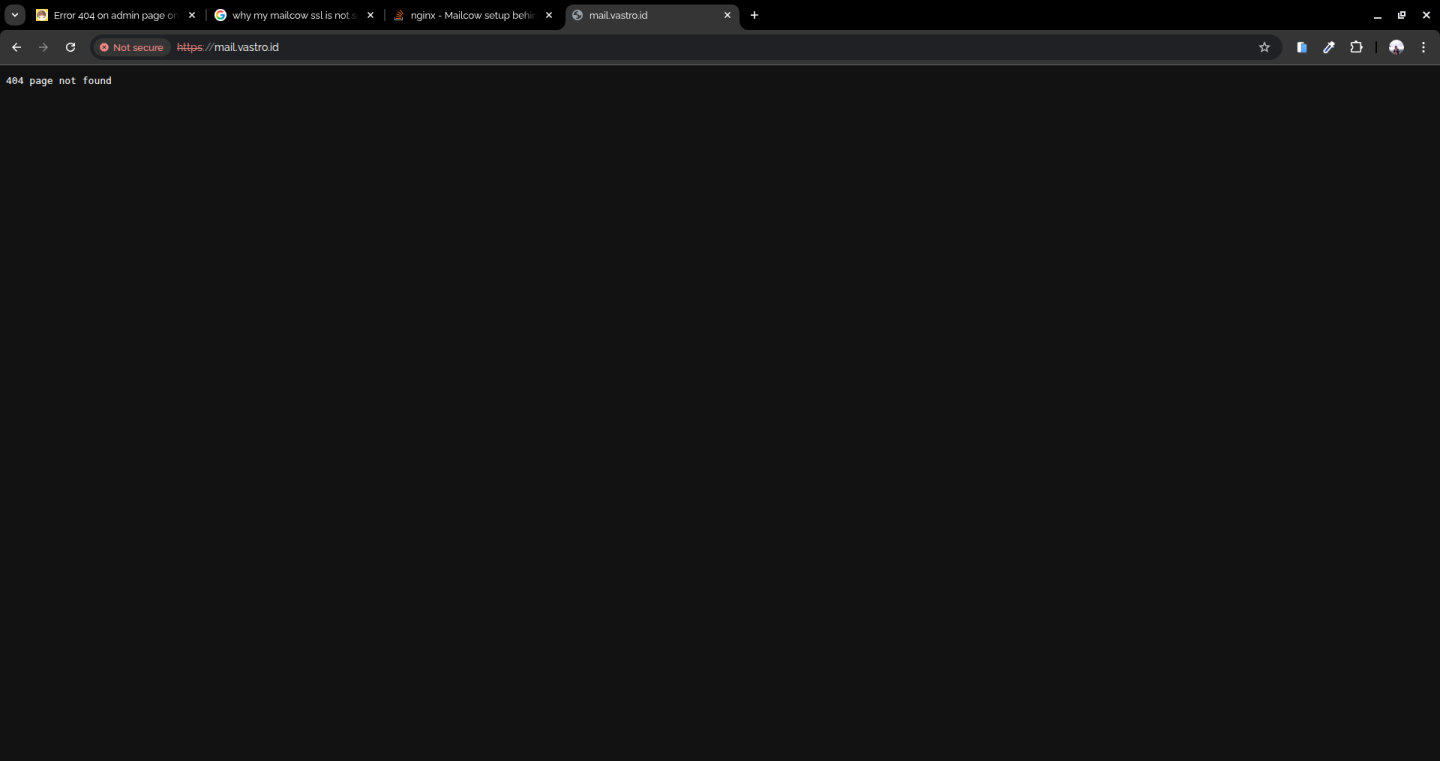
Accessed URL: https://mail.vastro.id
Response: Always shows a general 404 page not found.
SSL Status: The browser flags the connection as "Not Secure". When checked via curl from a local machine, the responding server is found to be providing a self-signed certificate, NOT the expected and successfully generated Let's Encrypt certificate from Mailcow.
Setup Overview
VPS Provider: Contabo (Public IP: 207.180.227.185).
Domain (FQDN): mail.vastro.id. The A Record is correctly pointing to the VPS IP.
Mailcow Status: I have already performed a complete fresh installation.
ACME Status: The ACME logs confirmed SUCCESS; the certificate was successfully obtained and deployed (Certificate successfully obtained).
Crucial Anomaly (The Key Finding)
To definitively rule out Mailcow/Docker as the source, I performed a final diagnostic test:
Stop Containers: I ran docker compose down. All Mailcow containers were confirmed Removed.
Check Host Ports: I ran sudo netstat -tulpn | grep -E ':80|:443' on the host OS VPS. The output was completely EMPTY, confirming that no local process was listening on Ports 80 or 443.
The Problem: Despite Mailcow being shut down and the host ports being clear, when I accessed https://mail.vastro.id from my browser, the mystery server still responded with the same 404 error and the same "Not Secure" SSL status (the self-signed cert).
- Request for Assistance
This anomaly proves that an external component is intercepting the traffic. I strongly suspect there is an External Load Balancer or Firewall/Security Group at the Contabo layer that is capturing the requests for Port 443 and responding with an error because the Mailcow backend is offline.
Has anyone experienced this specific issue with Contabo where a ghost service responds when the OS ports are free?
I cannot find the relevant Firewall Management or Load Balancer controls within the standard Contabo member panel. Could someone familiar with Contabo advise on the exact location to find and disable any external services that could be providing this self-signed certificate and the persistent 404 response?
Thank you for your help in diagnosing this complex issue.